

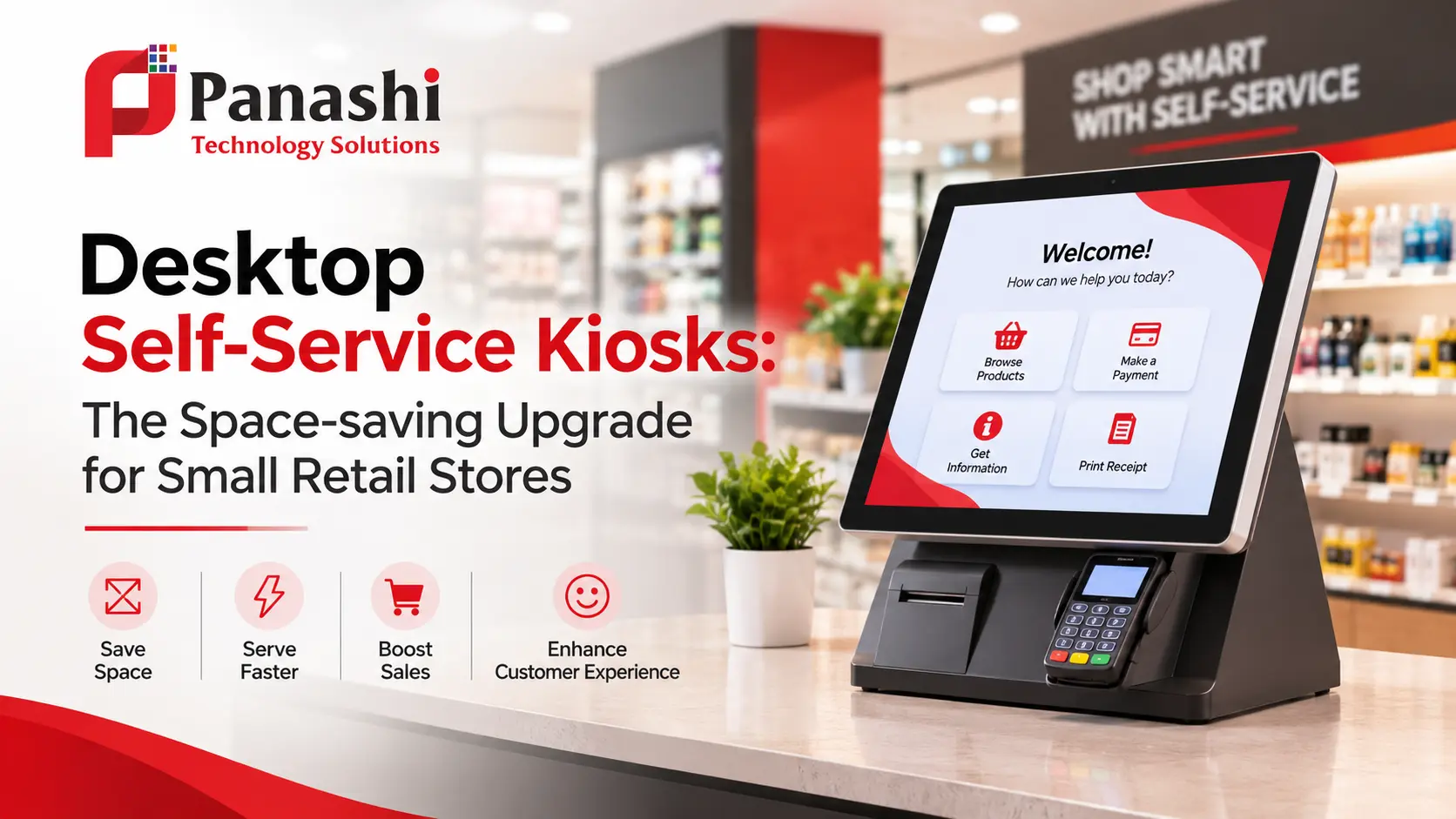
Desktop Self-service Kiosks: The Space-saving Upgrade for Small Retail Stores
Does your store have room for a self-checkout lane? Most small stores do not.
Gone are the days when self-service belonged only to hypermarkets with wide aisles and big budgets.
A desktop self-service kiosk now sits on your counter and handles orders and payments without claiming any floor space.
For a mini-mart in Sharjah, a pharmacy in Riyadh or a café in Doha, that matters a lot.
You get the speed of self-service without giving up a single shelf.
Kindly read on to see how it works.
What is a desktop self-service kiosk?
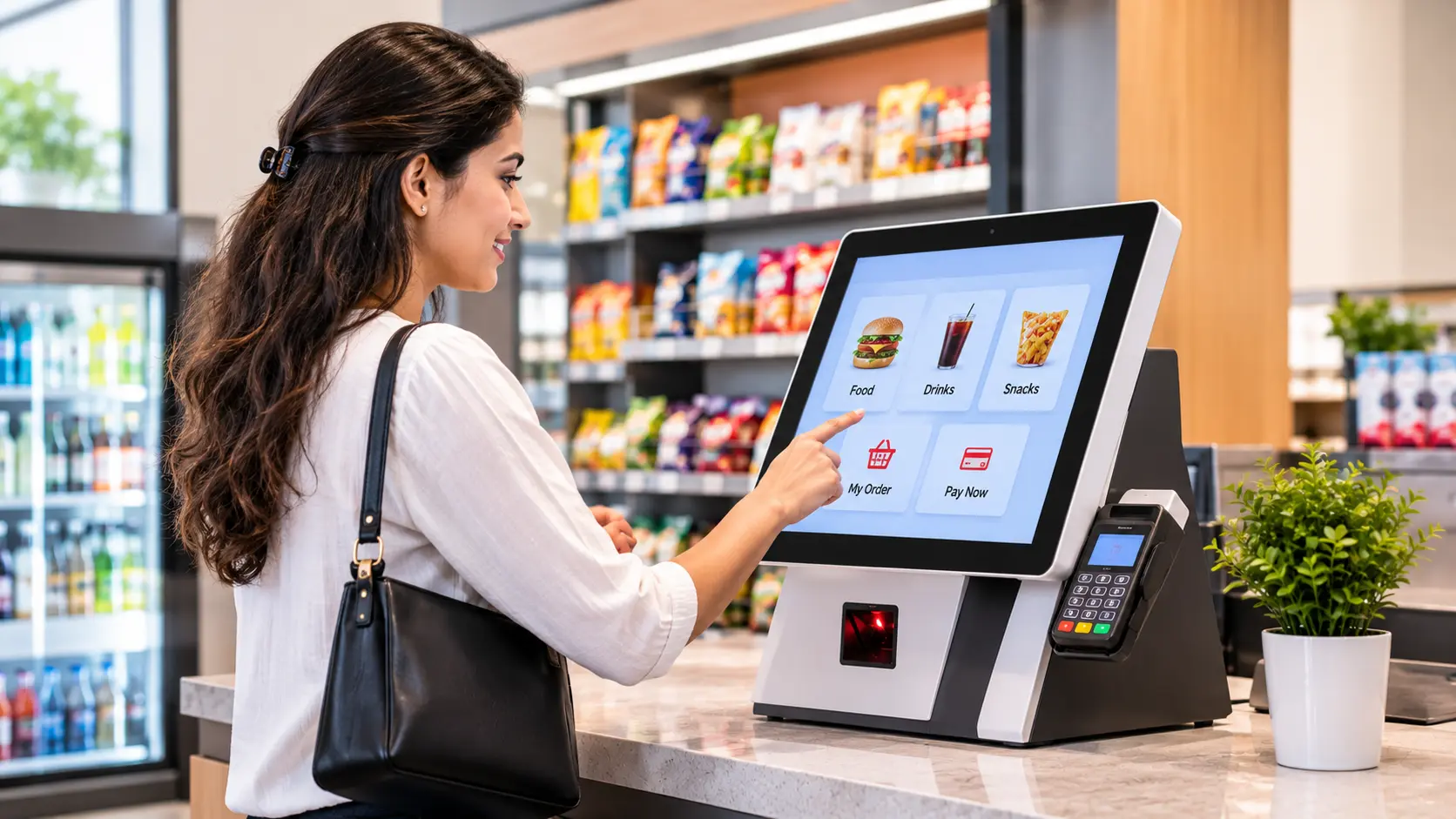
A desktop self-service kiosk is a compact self-service kiosk terminal that sits on a counter, table or retail desk. It’s also commonly known as countertop or tabletop kiosk.
These small form-factor kiosk terminals allow retail customers perform a wide range of tasks like browsing, ordering, scanning, paying for stuffs, etc. without employee assistance.
Depending on the model, the unit can include a card reader, barcode scanner, payment terminal, and a receipt printer. And unlike a floor-standing kiosk, it needs no pedestal and no extra floor clearance.
Why does floor space matters so much in Dubai?
Every square foot has to earn its rent. Most of you are aware of the skyrocketing rents in Dubai. The median sale price for retail units in Dubai is AED 3,000 per sq.ft, based on a 1,188 Dubai Land Department (DLD) transaction data published by qiyas.
The flagship location prices in Dubai may go well beyond AED 7,000 per sq.ft.
As per the research conducted by Cavendish Maxwell, in H1 2026, retail rents in Dubai grew 4.4% year-on-year.
Retail renewals shared 82.1% of the retail lease contracts in the first quarter of 2026.
What does this tell us? Many retailers are staying where they are rather than moving or expanding. So, growth has to come from the space you already have.
Desktop self-service kiosk machines work like a charm, especially in small floor areas.
Which small stores can benefit the most?
Almost any store with a busy counter and limited room can benefit. Let’s see how it plays out in four common formats.
- Independent stores - An owner-run shop often has one person at the counter. A kiosk lets quick purchases continue while that person helps someone else.
- Convenience stores and mini-marts - Baskets are small and customers are in a hurry. Self-service suits snacks, drinks and other grab-and-go purchases.
- Pharmacies – Most pharmacies in high foot-traffic regions appear crowded during peak hours. A pharmacy can allow its customers use desktop self-service kiosks to purchase over-the-counter products. The pharmacist would still handle prescription medicines personally.
- Café - A café can take orders on-screen while the team focuses on preparation.
- Small retail chains - The same kiosk setup can repeat across branches, which keeps the customer experience consistent.
How desktop self-service kiosks are different from wall-mounted and freestanding machines?
Here are those differences pointed out with the help of a table.
Kiosk type | Form-factor and placement | Used for | Major benefits |
Desktop self-service kiosks | Small-sized, 10 to 22 inches screen, sits on tables, and retail counters. | Ideal for quick information enquiry, product browsing, and payments. | Space-saving, cost-saving, easy to set up in any indoor retail or hospitality environment. |
Wall-mounted self-service kiosks | Medium-sized, screen sizes vary from 15 to 65 inches, space-saving design as they are mounted on walls. | Ideal for information disbursal, product enquiry, and payments in narrow areas, hotel lobbies, and high-traffic environments. | Space-saving as it does not consume floor space, larger screen size improves UX, improved visibility, ideal to provide guided instructions for retail, healthcare, governments, hospitality, etc. |
Freestanding self-service kiosks | Large-sized, screen sizes range from 32 inches to 75 inches and above, stands on floor area. | Handles self-ordering, payment processing, information disbursal, digital display in high foot-traffic environments, used in both outdoor and indoor environments. | Offers maximum visibility, handles complex tasks and system integrations, ideal for high-demand, high traffic environments. |
What are the benefits of implementing desktop self-service kiosks?
I have mentioned the benefits in both business and customer perspectives.
Business benefits
- Lower investment – Desktop kiosks generally cost less than floor-standing models and require less installation work. Retail chains with multiple locations can rely on desktop self-service kiosks for a cost-effective rollout.
- Space efficiency – They fit on counters, tables, or reception desks, making them useful for small shops, cafés, clinics, and pharmacies.
- Flexible deployment – Units are easy to relocate, or test at a single location before a wider rollout.
- Connected operations – integrate with POS, payment, inventory, and queue management systems, so orders and data flow through a single process.
- Improved throughput – Several units can serve more customers at once during peak hours.
- Enhanced staffing efficiency - Employees can spend less time on routine transactions and more on service, preparation, or complex requests.
- Scalable solution – when the demand increases, the retail business can easily scale the solution.
Customer benefits
- Shorter waits – Customers can browse through the menu or product categories, scan items, and make payments without having to wait for retail staff.
- Avoid language barriers – Choose their preferred language from a list of languages to navigate the kiosk machine.
- More control and privacy - Browse at their own pace, compare options, and review their selections before paying, without feeling judged.
- Comfortable access – The table or counter height can suit seated users, including some wheelchair users, depending on the placement and design.
Where to place a desktop self-service kiosk?
There is nothing like you should place the kiosk on this particular table or on that specific desk.
Placement decides how much value you get from it.
Check the basics before installation day. You will need a stable surface, a power point and a reliable network connection.
- Kiosk placement height and angle - Get the placement height right before you finalise the spot. A 100 to 120 cm above the floor surface would serve as the apt height, so that customers can access the kiosk screen easily. A comfortable screen height and screen angle are always welcoming for the customers.
- Customer entry and movement - A busy spot near the entrance may look tempting, but a queue or congestion there can block the door. Leave enough room for one person to stand without blocking the aisle. Keep the unit near the main counter, so your team can see it and step in quickly.
- Electrical and network connections – Concealed power and network cables can enhance a store’s aesthetics.
-
Device safety and steadiness – In many small stores, the billing counter sits close to the entrance. The device is kept in an open environment, hence prone to unauthorised physical access. Customer flow can increase during peak hours. Therefore, kiosk safety and operational steadiness matter a lot.
Retailers can make use of lockable stands, tamper proof security screws to prevent scenarios like theft. For added security, you may install an alarm or a dedicated security camera in the counter area.
Desktop self-service kiosks, as I have already stated, are flexible. Have a clear understanding of your store layout and customer flow, and come up with the best placement plan.
What Should You Look for in Desktop Kiosk Software?
- Reliable kiosk lockdown – The software should restrict users to approved functions and block access to the OS and settings.
- Easy-to-use interface – Large buttons, short menus and simple on-screen prompts work fine, as the display has less room than a floor-standing kiosk.
- Remote monitoring and management – A kiosk admin should be able to track kiosk health, push updates and fix issues from a central dashboard.
- Smooth system integration – Prices, stock and promotions should sync with your existing systems.
- Easy content updates – The kiosk admin should be able to change menus, prices, offers and on-screen content from a central dashboard.
- Reporting and analytics – Usage data, transaction reports and error logs help you measure performance and plan improvements.
So, is a desktop kiosk worth it for a small store?
If floor space is tight and your counter gets busy, it is well worth a serious look. You keep your shelves, ease the pressure on your team and give customers a quicker way to buy.
Just plan for security, integration and a staffed alternative (if necessary) from day one.
Self-service is no longer only for big stores, as the technology now fits on a small shop’s counter.
Ready to explore a desktop kiosk for your store? Talk to the Panashi team today.
Frequently
Asked Questions
Yes. We supply desktop kiosk machines in all major African countries through our trusted kiosk partners in Africa. Please let us know your industry or business, including the number of units, customisation requirements, etc. Our team will come up with the most feasible plan.
The price of a desktop self-service kiosk varies with several factors like screen size, hardware peripherals, number of units, customisation requirements, etc. For the tablet-based countertop machines, the prices usually start from USD 500, and USD 2000 and above for mid-ranged, customised machines.
Businesses can make use of desktop self-service kiosk machines in a wide range of settings. They work well where floor space is limited. Common settings include restaurants, cafés, retail stores, hotels, clinics, banks and government offices.
Yes. Businesses can customise the interface, branding, peripherals, and user journey to suit their operations. Your business can add printers, scanners, card readers and cameras to suit your business requirements.
Yes. Panashi supplies countertop self-service kiosks to businesses across Saudi Arabia. Our compact kiosk solutions suit restaurants, retail stores, hotels, clinics and other locations where floor space is limited. They can be configured with the software, peripherals and payment options your business needs.