

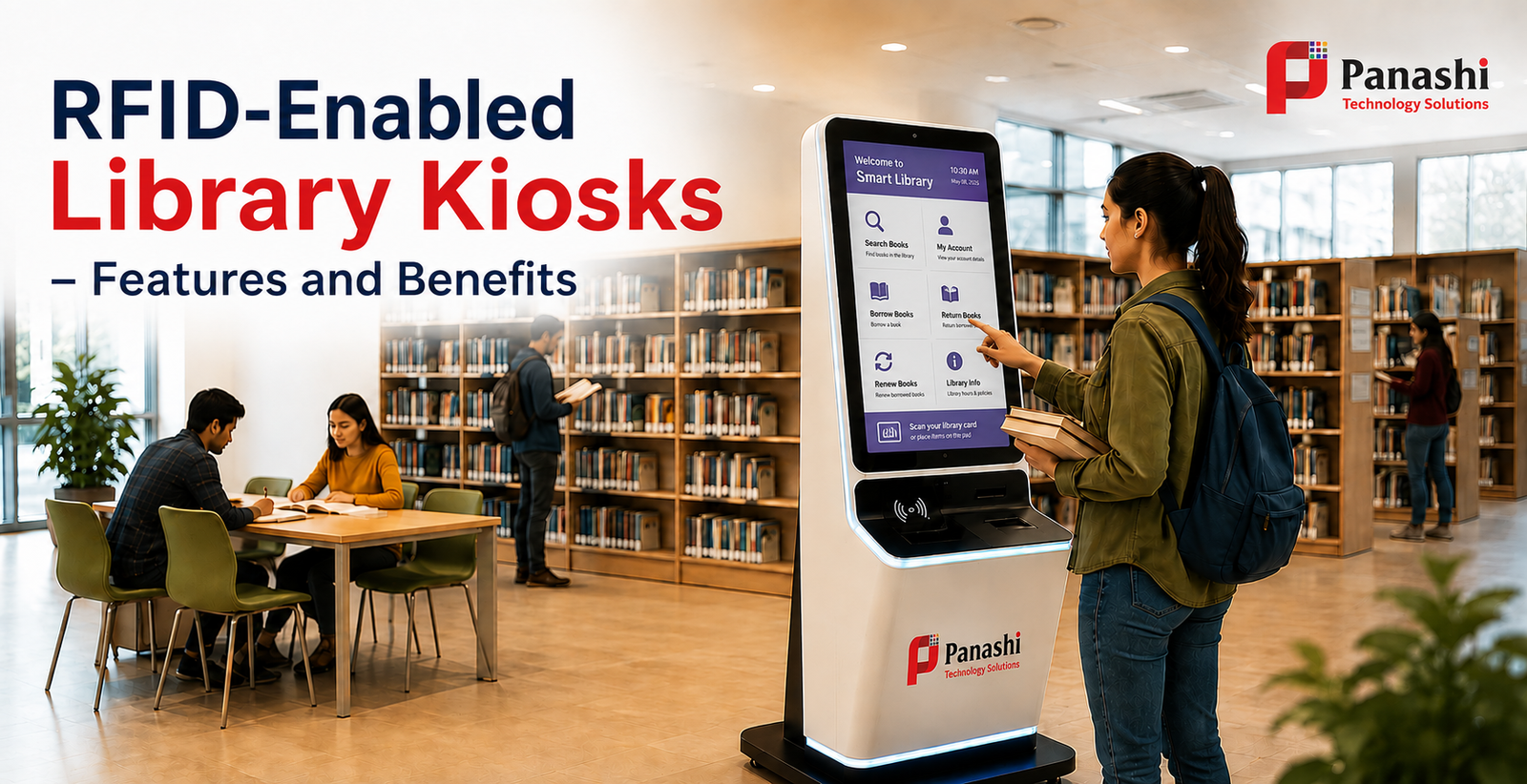
RFID-enabled Library Kiosks – Features and Benefits
Library kiosks are making reading more fun, easy, and accessible for everyone. They are changing the way students and readers connect with their libraries today.
The users can simply follow the instructions displayed on the kiosk touchscreen, like borrowing, renewing, or returning, eliminating the interaction with a library staff.
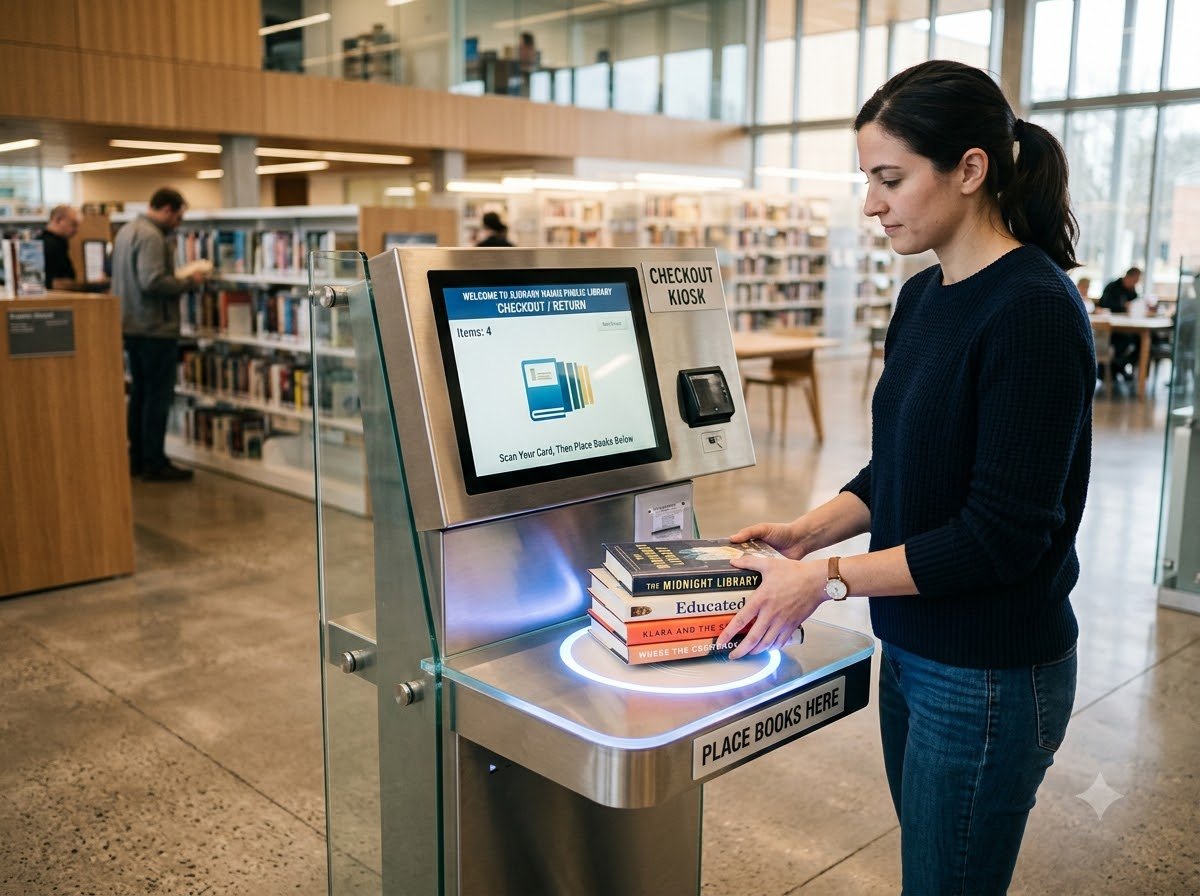
You simply scan your library card or PIN number and place your book/s on the machine. Yes, it’s that simple and convenient.
The RFID technology integration makes the process fast and convenient for the patrons.
This blog lets you know more about these self-service library management kiosk terminals. Read on…
What is an RFID library kiosk used for?
A library kiosk is a self-service kiosk terminal that allows readers to borrow, return and renew books with minimum or no staff intervention. The kiosk identifies the book instantly using a smart technology called RFID. In seconds, the book is checked out and ready to go with you. No waiting, no queues, and no stress at all. You may even check out multiple books at a time which makes these kiosk machines useful for large, busy library settings.
These self-service machines can be installed in independent libraries, colleges, universities, cultural centers, clubs, training centers, etc.
What are the features of a RFID library kiosk machine?
A library kiosk machine is installed with the necessary features to streamline library management. Here are those features.
- Touchscreen interface – the patrons can follow the instructions displayed on the kiosk screen to borrow, renew or return books.
- Multilingual interface – the users can select their desired language from a list of languages to navigate the kiosk.
- Seamless integration – the kiosk machine can be easily integrated with Library management systems.
- Library management software – the core software that manages the catalogue, members, transactions etc.
- Payment module – allows users pay fees, fines, etc. via cash, card, cardless or mobile app.
- Remote monitoring – a remote admin can monitor the performance of the kiosk machine from a centralized location.
- Accessibility features – Library kiosk usually comes with accessibility features like screen magnification software, tactile keypads etc.
- Kiosk customisation – libraries can easily customise the kiosk machine based on their operational or floor-space requirements and the library aesthetics.
Which are the most feasible designs for RFID-assisted library kiosks?
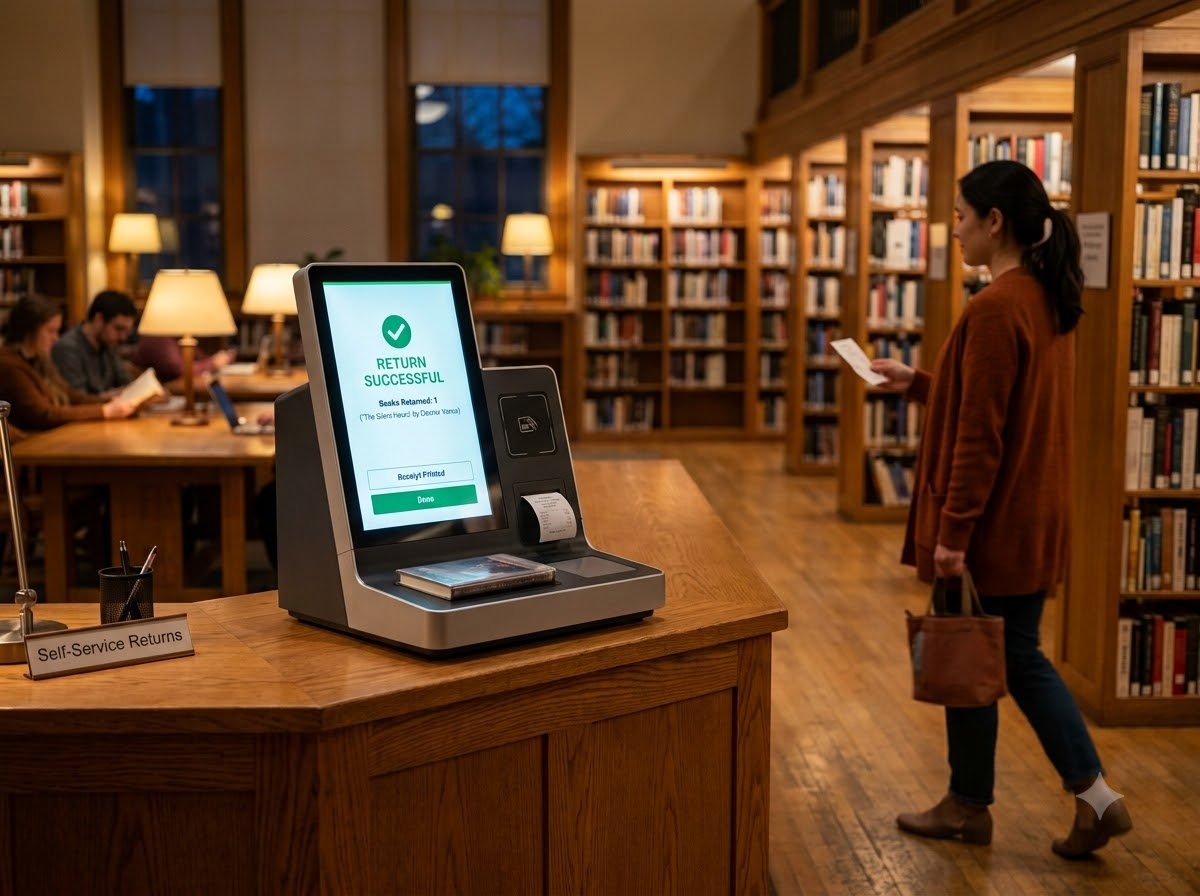
Most library management kiosk machines come in either countertop or Freestanding modes.
Countertop kiosk/ Tabletop Kiosk
A countertop kiosk is suitable for compact, small rooms or buildings, and they can be installed on a table or a reception counter. Hence the name countertop.
These small, compact machines serve as a space-saving mechanism and are ideal for small libraries, school or college libraries, and other institutions with small floor area.
They are easy to install and are priced less compared to the freestanding ones.
Freestanding Library Kiosk
Free standing library kiosk machines stand independently on the floor, and hence they consume floor area.
These machines are equipped with larger screens and can be integrated with more hardware modules.
These standalone library kiosk machines are suitable for larger settings like public libraries, university libraries, smart city libraries, and other high footfall requirements.
How does an RFID-enabled Library Kiosk work?
RFID (Radio Frequency identification) technology uses radio waves to identify and track objects automatically.
In the case of Library self-check kiosks, the objects are books.
Here, every book shelved in the library has an RFID tag with a unique ID.
The kiosk machine is equipped with an RFID reader and an antenna.
To know more about RFID and its working principle, please read through our RFID kiosk machine blog.
Book borrowing process
- Language selection - The patron accesses the kiosk machine and selects the desired language.
- Patron authentication – patron authentication can be done via an RFID card/ library card or via biometric authentication.
- Service selection - the kiosk displays the services on the kiosk interface, like Borrow, Renew, Return or Go to Account.
- Book placement - After selecting Borrow, the user places the books on the designated scanning zone of the kiosk.
The reader emits a radio wave which activates the passive tag attached to the book. The tag generates power from this radio wave and transmits its stored information (unique ID) back to the reader.
The reader receives this transmitted signal, decodes the data and send it to the Library management software. The kiosk system verifies borrowing eligibility and then assigns the selected number of book/s to the user. The startling fact is that the entire process happens within seconds.
- Receipt issuance – Post the issuance, the kiosk machine instantly prints a transaction receipt or issues a digital receipt. At the very next moment, the user may leave with the borrowed books in hand along with the transaction receipt.
Book return process
The return process is as simple as “borrow”.
The initial user authentication process is the same.
The user only has to place the Return items on the kiosk’s allocated area.
The kiosk machine scans the returned items in seconds, and the user account gets updated instantly.
Book renewal process
After user authentication, place the items to renew on the designated scanning zone.
The kiosk system verifies the eligibility to renew, and informs the user that the selected item/s are renewed.
How libraries benefit from deploying a self-service library kiosk?
Installing library kiosk terminals offer several benefits to the organisation. Here are those benefits.
- RFID enables faster throughput – RFID-enabled borrowing and return speeds up the operations, and improves library throughput.
- Extended operational hours – A self-service library kiosk terminal can operate for extended hours. This increases the operational hours of the library, attracting more readers/visitors.
- Enhanced book rental opportunities – With improved efficiency, the libraries can increase their book rental numbers.
- Reduces administrative burden on library staff – Library kiosk automation reduces manual data entry, thereby eliminating the chances of entry-related errors.
With manual intervention, the borrowing or return processes becomes more time-consuming, especially when the patrons have multiple books. RFID-assisted library kiosks reduce the time involved, reducing the burden on the staff.
- Reduced staffing expenses – library automation through self-service kiosks helps to bring down staffing expenses.
- Library fees and fine payment – The libraries can automate the collection of library fees and fines through the self-service library kiosk terminal.
How readers/students benefit from a library kiosk machine?
The readers or students need not interact with a human staff in connection with book borrowing, renewal or returns. This improves the overall library experience of the patrons.
The benefits are listed below.
- Reduces waiting time – the patrons need not have to wait in line, especially in peak hours. They can also save a descent amount of time when the RFID-enabled kiosk scans multiple books at the same time.
- More privacy – the patrons enjoy more privacy while borrowing and returning books.
- Convenient returns – As the library kiosk machines operate 24/7, the patrons can borrow or return books at their convenient time.
-
Seamless Information access – access relevant information without any external help. The information includes:
User history
Due dates
Fines
library events or programs
book recommendations
newly released or arrived books
Hence, the patron remains well-informed about the library affairs and norms. - Improved satisfaction – Highly convenient kiosk interactions, enhanced privacy, and reduced waiting time improve the overall patron satisfaction.
Real-life use cases of RFID-enabled Library kiosks
- An RFID-powered library kiosk operates in the Sidcup Library, London. The borrowing process and the time it takes is demonstrated in this user-shared video uploaded on YouTube.
- The Central Library at the Indian Institute of Technology, Delhi in India makes use of an RFID-powered library self-checkout and book drop kiosk system to manage borrowing and return tasks.
What are the benefits of implementing RFID in libraries?
- Bulk scanning - Scans multiple books at a time, thereby saving time of both the staff and patrons.
- Reduced theft and discrepancies - RFID-tagged books offer excellent protection from incidents like theft or unauthorised borrowing.
- Improved monitoring – enables efficient tracking of items throughout the circulation journey.
- Improved ROI – a smart investment with fast returns and lasting impact.
- Real-time stock visibility – the library staff gets an accurate information of real-time stock availability.
Conclusion
All modern libraries with high-volume circulation should definitely install RFID-enabled Library kiosk solutions to streamline library management.
Borrowing or returning multiple books via the kiosk machine saves significant amount of user time. Your frequent visitors would definitely appreciate the seamless experience.
Personalisation, privacy and convenience have become the new norm in next generation library service delivery.
And, there is no reason for your library to walk away from this digital transformation.
For consultation or technical assistance regarding library kiosk installation, please get in touch with Panashi technical team.
Frequently
Asked Questions
Yes. Libraries and universities across the UK are switching to RFID-enabled kiosks, and Panashi is right there supplying them. Please get in touch with Panashi UK branch for further queries.
Yes. Panashi is a library kiosk machine supplier in India and offers machines for schools, colleges, universities, and public libraries. Please let us know your library-related requirements, we’ll come up with the most feasible solution.
The barcode system relies on the line of sight for scanning. Whereas, the RFID doesn't care about angle at all. You can stack five books on the pad together and the kiosk reads all of them in one go. This saves time in busy libraries and during rush hours.
The RFID library kiosk price varies with several factors like customisation, kiosk form factor, technology integration, etc. Let us know your detailed requirements, our team will come up with the best pricing.
Yes. Absolutely. The RFID tags are thin, self-adhesive labels placed inside the book's cover or spine. They don't damage the pages, don't interfere with printing or binding, and they would remain intact after several years of circulation.